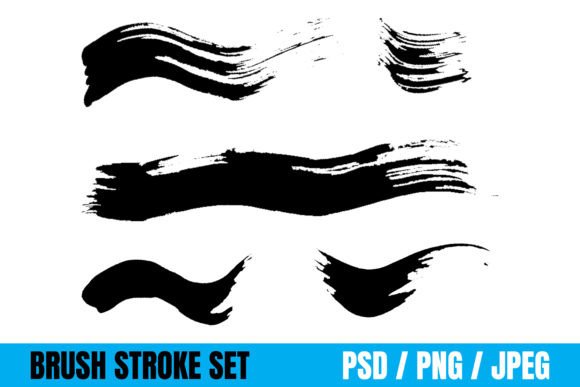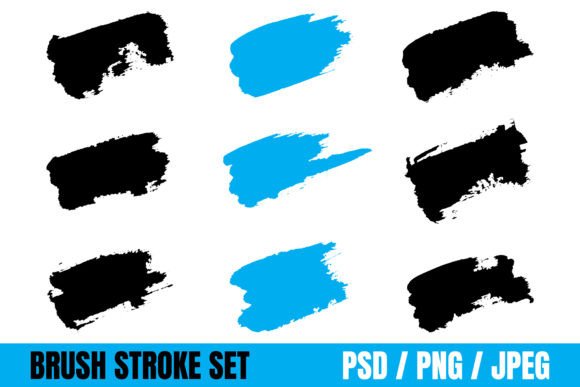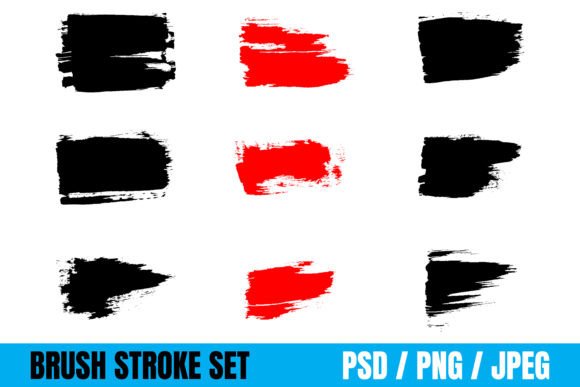
Wave Brush Strokes and Grungy Brush Effects: Creative Power for Designers and Makers
Wave Brush Strokes and Grungy Brush Effects offer a versatile toolkit for creators working across digital and physical mediums. These paintbrush stroke sets bring texture, motion, and character to a wide variety of projects—from web banners to packaging and from t-shirts to book covers. Their popularity stems from their flexibility and the organic, handcrafted feel they add to designs. Whether you're a professional designer, a small business owner, or a creative hobbyist, understanding how to effectively use these brush effects can elevate your work and avoid common pitfalls.
Understanding the Appeal of Wave and Grungy Brush Effects
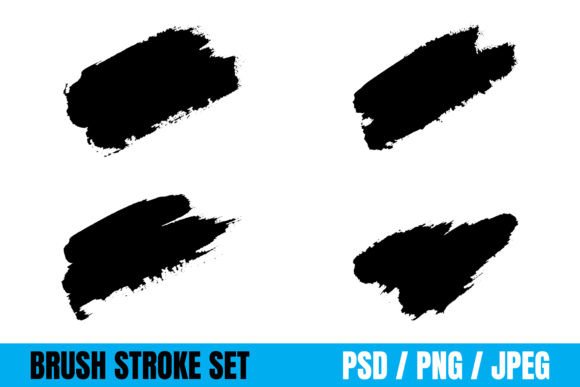
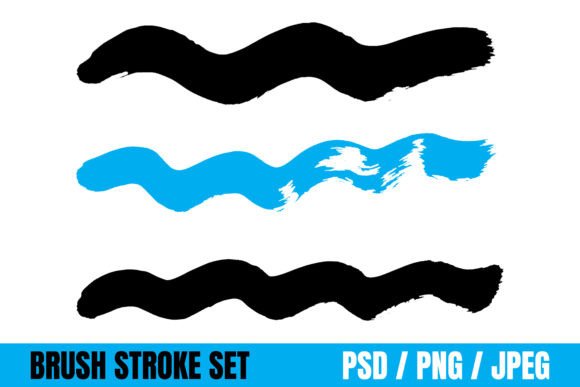
Wave Brush Strokes are dynamic, fluid marks that suggest motion and energy. They work well in modern designs where movement and flow are key visual elements. Grungy Brush Effects, on the other hand, bring a raw, textured look—perfect for projects that need a vintage, distressed, or edgy aesthetic.
Together, these tools allow for expressive design without the need for advanced illustration skills. They're especially valuable for creators who want to add authenticity and tactile appeal to their visuals without starting from scratch. With file formats like PSD, JPEG, and PNG included, users can easily integrate these elements into Adobe Photoshop, Canva, or other design platforms.
Common Mistakes When Using Wave and Grungy Brush Effects
While these brush effects are powerful, they're often misused, especially by beginners. Here are some common issues and how to avoid them:
1. Overusing Texture Without Purpose
One of the most frequent mistakes is applying brush effects simply because they look cool, without considering how they contribute to the overall design. Grungy textures can easily overwhelm a layout if not used with intention.
Better approach: Use brush effects to support your message, not distract from it. For example, a grungy background might work well for a vintage-style album cover, but could make a corporate logo look unprofessional.
2. Ignoring File Format Limitations
Many users download brush sets without checking which formats are compatible with their software. Some brushes may only work in Photoshop, while others are static images like JPEGs or PNGs.
Better approach: Confirm the file types included before purchasing or downloading. If you're using Canva or Figma, PNG or JPEG versions will be more useful than PSD files unless you plan to edit in Photoshop first.
3. Poor Sizing and Resolution Choices
Using low-resolution brush strokes on large print materials like banners or packaging can result in blurry, pixelated visuals. This undermines the professionalism of your final product.
Better approach: Always check the resolution of the brush files you're using. For print, aim for 300 DPI; for web, 72 DPI is usually sufficient. Scale brush elements carefully and avoid stretching them beyond their original proportions.
4. Misapplying Brush Effects Across Mediums
Some users apply the same brush stroke across multiple projects without considering how the context changes its effectiveness. A wave brush that looks great on a website banner might be too busy for a minimalist business card.
Better approach: Tailor your brush choices to the medium. Use bolder strokes for large-format designs and subtler textures for smaller or more refined applications like logos or stationery.
How Mistakes Affect Your Projects
Misusing brush effects can lead to several issues:
- Reduced visual clarity – Overly textured or misplaced strokes can make your design hard to read or interpret.
- Lower perceived quality – Pixelated or improperly scaled brush marks can make your work look amateurish.
- Inefficient workflow – Choosing the wrong file formats or tools can lead to wasted time and frustration.
- Brand inconsistency – Using mismatched brush styles across different marketing materials can weaken your brand identity.
Key Considerations Before Downloading or Using Wave Brush Strokes
To get the most out of Wave Brush Strokes and Grungy Brush Effects, consider the following before making a choice:
- Project Type: Is this for print, web, or merchandise? Each medium has different resolution and format needs.
- Software Compatibility: Do the brush files work with your design tools? Check for PSD, PNG, or JPEG options depending on your platform.
- License and Usage Rights: Are you allowed to use the brush effects in commercial projects? Always verify the licensing terms.
- Consistency: Does the brush set offer a cohesive style? Using mismatched brushes can make your design feel disjointed.
- Scalability: Will the brush strokes hold up when resized? Vector-based brushes (if available) offer more flexibility than raster images.
Getting the Most From Your Brush Effects
Here are a few tips to help you make smart, effective use of Wave Brush Strokes and Grungy Brush Effects:
- Layer with intention: Add brush effects as overlays in Photoshop or design tools to blend them naturally with your background.
- Experiment with blending modes: Try using Multiply, Overlay, or Soft Light modes to integrate brush textures more subtly.
- Test in context: Preview your brush strokes in the actual environment where they'll be used—whether that's a printed t-shirt or a website header.
- Combine with clean design: Balance textured brush strokes with clean typography and spacing to maintain readability and visual harmony.
Final Thoughts
Wave Brush Strokes and Grungy Brush Effects are more than just decorative elements—they're tools that can enhance storytelling, add depth, and give your designs a personal touch. But like any tool, they work best when used with knowledge and care. By avoiding common mistakes and making informed choices, you can ensure your creative projects look polished, professional, and uniquely yours.
Whether you're designing a logo, crafting a social media post, or printing on fabric, take a moment to consider how each brush stroke contributes to your vision. With thoughtful application, these effects can become a powerful part of your creative toolkit.